
The Ultimate Guide to Self-Publishing an eBook on Amazon KDP
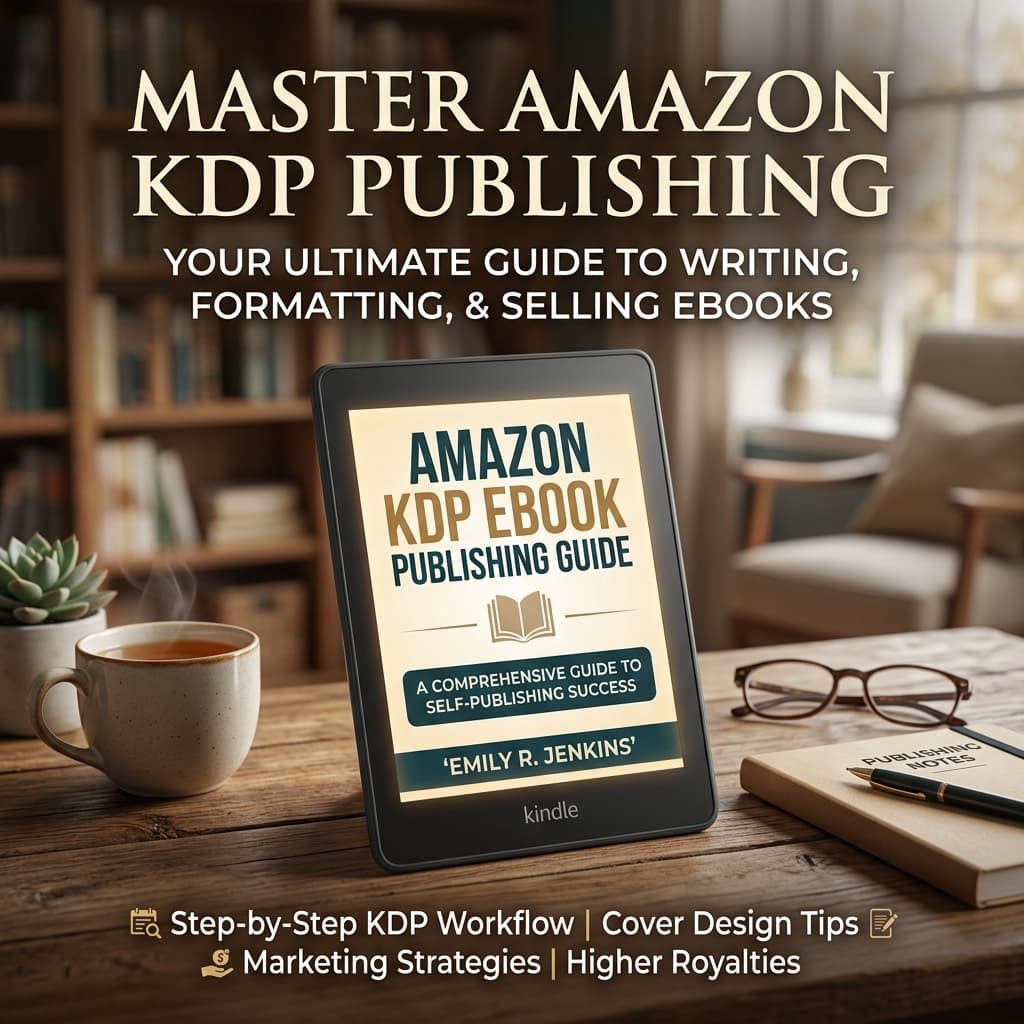
Self-publishing an eBook on Amazon KDP (Kindle Direct Publishing) has completely revolutionized the literary world. Today, authors can upload their manuscript directly and reach millions of global readers without waiting for a traditional publishing gatekeeper. However, publishing a book successfully requires more than just uploading a Word document.
1. Setting Up Your Amazon KDP Account
Before publishing, you must set up your Amazon KDP account. Visit kdp.amazon.com, sign in with your existing Amazon credentials or create a new account, and complete your tax and banking information. Having this set up early ensures your KDP royalties are paid directly to your bank account without delay.
2. Perfecting Your eBook Metadata
Metadata is how readers discover your eBook. It includes your book title, subtitle, description, contributor names, and backend keywords. When choosing a title, ensure it is memorable, and use the subtitle to add context or target specific search queries.
Your description acts as sales copy. Start with a hook, outline the central conflict or core promise, and end with a clear Call to Action (CTA) like "Buy now."
3. Selecting KDP Keywords and Categories
Amazon allows you to select 7 backend keywords and 3 primary categories. Do not waste these keywords by repeating words already in your title. Instead, focus on long-tail search phrases that readers actually type into the search bar, such as "mystery romance books for adults" or "step by step guide to digital marketing."
4. Understanding KDP Royalties
Amazon offers two royalty structures for Kindle eBooks: 35% and 70%.
- 70% Royalty Option: Applies to eBooks priced between $2.99 and $9.99. Keep in mind that Amazon deducts a small delivery fee based on the eBook file size (usually $0.15 per MB), which makes professional file optimization crucial.
- 35% Royalty Option: Applies to eBooks priced below $2.99 or above $9.99. No delivery fee is charged under this plan.
5. Professional Help Goes a Long Way
While the upload process is free and straightforward, the work required to prepare a professional book is extensive. Partnering with a specialized service like Kandle Direct Publishing ensures your eBook is professionally formatted, edited, and given a high-converting cover, maximizing your chances of climbing the Amazon Bestseller charts.